Sub Heading
Requesting a Field Technician from Eagle-Tech.ai Is Simple, Fast, and Transparent
Technical issues don’t wait. When your printer stops feeding, a point-of-sale device crashes, your network goes offline, or critical equipment stops responding, you need real help—not a long phone queue or delayed service ticket.
Eagle-Tech.ai makes requesting a certified IT technician as easy as sending a message.
From the moment your request is created, you stay in control, with live tracking and real-time updates from start to finish.
Here’s how it works.
Step 1: Describe Your Issue in Plain Language
Visit https://eagle-tech.ai and open the chat or “Request Service” option.
You don’t need technical terms—simply explain what’s happening:
“My office copier keeps jamming and leaving line streaks.”
“The server shows RAID error.”
“Wi-Fi works on phones but not on our desktop PC.”
“The printer keeps displaying error 79.”
Our AI understands:
- Device type
- Model (if provided)
- Error or symptom
- Severity level
- Whether the situation requires remote assistance or in-person help
Within seconds, you’ll receive a guided diagnostic and clear next steps.
Step 2: Receive AI Troubleshooting and Service Options
If the problem can be safely resolved at home or in the office, Eagle-Tech.ai will walk you through it.
If the issue requires a professional, the system will recommend a Field Technician Visit.
You’ll see:
- Estimated repair category
- Expected duration
- Parts or tools commonly required
- Service fee estimate
- Availability in your area
No guesswork.
No scheduling headaches.
Just clarity and convenience.
Step 3: Confirm Your Location
Enter your service address:
- Home
- Office
- Retail location
- Warehouse
- School
- Medical facility
- Industrial site
We assign the technician closest to you who is qualified to handle your specific issue.
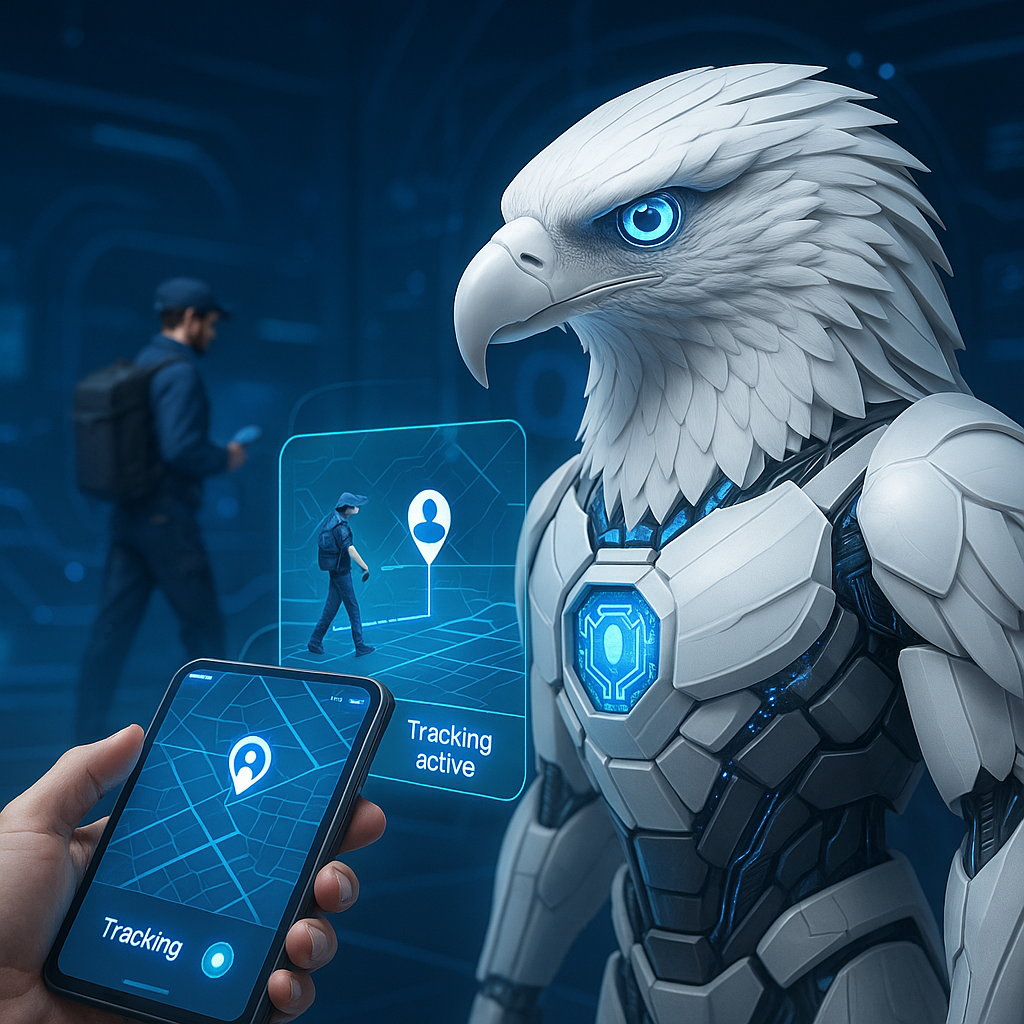
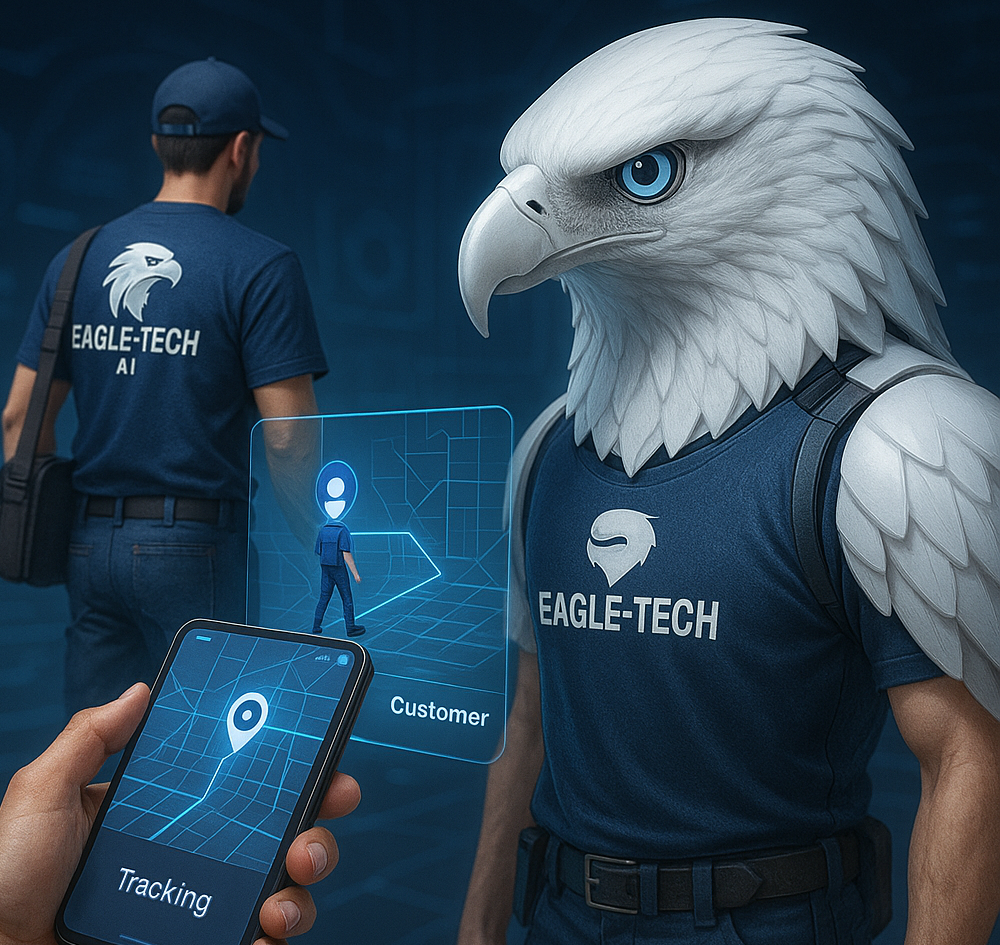
Step 4: Track Your Technician Live – Just Like a Ride Service
Once a technician accepts the job, you’ll receive a live status update:
- Technician name
- Profile and ratings
- Estimated travel time
- Service start window
From the moment they begin traveling toward you, you can track their location in real time.
No vague:
“We’ll arrive sometime between 9am and 5pm.”
Instead, you see exact progress on your screen:
- When the technician starts driving
- Current route
- ETA updates
- Arrival notification
When they reach your location, the system announces:
“The Eagle has landed.”
You know exactly who is coming and when they will arrive.
Step 5: Professional Service On-Site
Your technician handles:
- Diagnostics
- Repairs
- Installations
- Device setup
- Firmware updates
- Maintenance
- Hardware replacement
They work under transparent standards, backed by:
- Verified identity
- Qualifications
- Skills mapped to service categories
- Platform safety rules
- Customer satisfaction policies
You aren’t hiring strangers; you’re receiving certified help through a trusted system.
Step 6: Get a Digital Service Report
After the visit, you’ll receive:
- Summary of work performed
- Parts used
- Technician notes
- Recommendations
- Warranty status (if applicable)
- Digital invoice
Everything is documented and stored for future reference.
Why Customers Love Requesting Service Through Eagle-Tech.ai
✔️ No phone trees
Request service in seconds from your phone or computer.
✔️ No technician uncertainty
You know exactly who is coming—and what they’re qualified to do.
✔️ Real-time GPS tracking
Stay informed from departure to arrival.
✔️ Transparent pricing
You see cost estimates before confirming.
✔️ Enterprise-grade availability
For homes, offices, retail, schools, and corporate environments.
✔️ End-to-end accountability
Work performed is recorded, verified, and protected.
Ready to See It in Action?
Go to:
Tell us what’s wrong.
Get matched to a qualified professional.
Watch your technician arrive live on the map.
IT problems are stressful.
Getting help shouldn’t be.
With Eagle-Tech.ai, you can relax, knowing the right expert is already on the way.